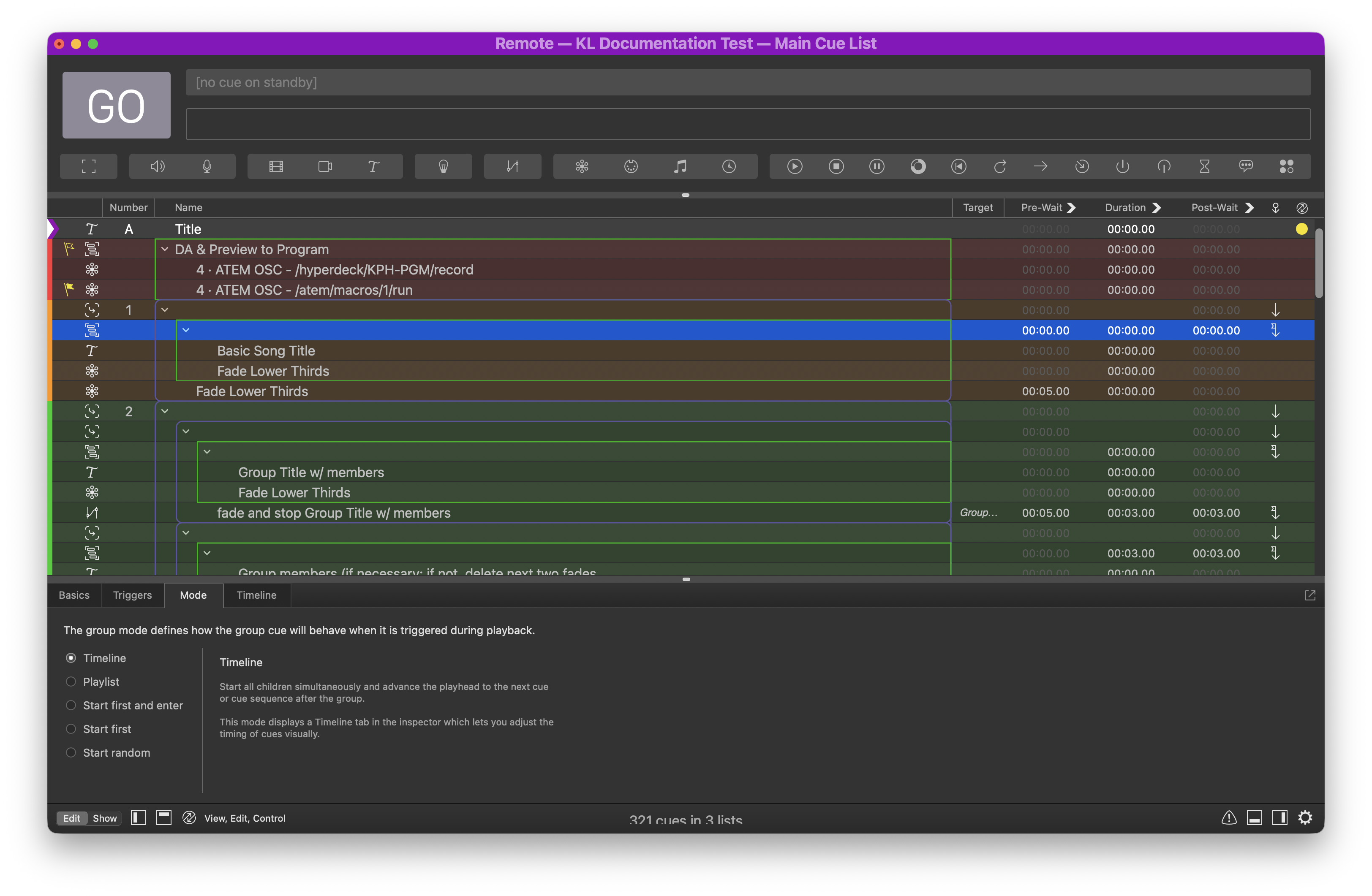
Workspace
Before we begin, we highlight some things below in the workspace to pay attention to.
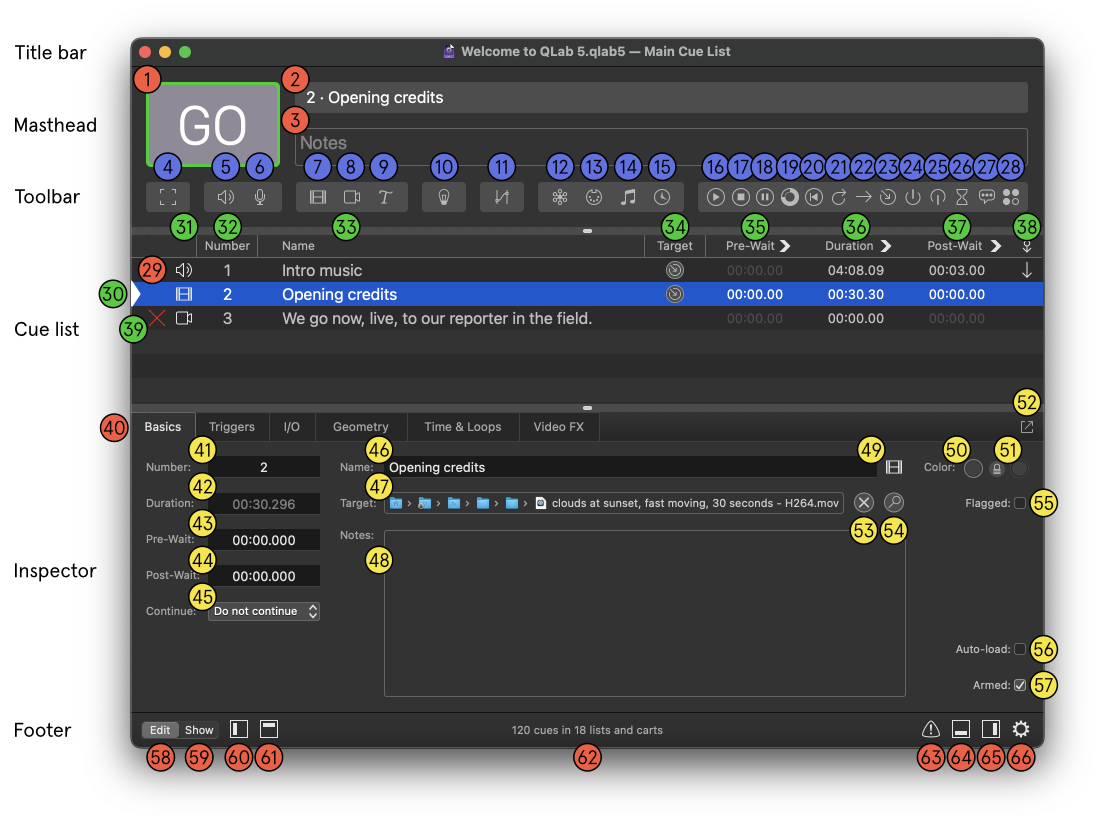
| General | Cue types | Cue list elements | Inspector elements |
|---|---|---|---|
| 1: The GO Button | 4: Group cue | 30: Playhead | 41: Selected cue number |
| 2: The Standby display | 5: Audio cue | 31: Cue type icon | 42: Selected cue duration |
| 3: The Notes field | 7: Video cue | 32: Cue number | 43: Selected cue pre-wait |
| 29: Cue | 9: Text cue | 33: Cue name | 44: Selected cue post-wait |
| 40: Inspector tabs | 11: Fade cue | 34: Target | 45: Selected cue continue mode |
| 66: Workspace settings | 12: Network cue | 35: Pre-wait | 46: Selected cue name |
| 28: Script cue | 36: Duration | 47: Selected cue target | |
| 37: Post-wait | 48: Selected cue notes | ||
| 38: Continue mode | 50: Selected cue color | ||
| 39: Status icon | 51: Selected cue second color | ||
| 54: Reveal target | |||
| 57: Selected cue armed |
Cue Types
Take a look at Cue 1. Note that this is a group cue. Think of a group cue as a folder that can contain other cues (including group cues), and group cues can have different modes that determine the playback behavior.
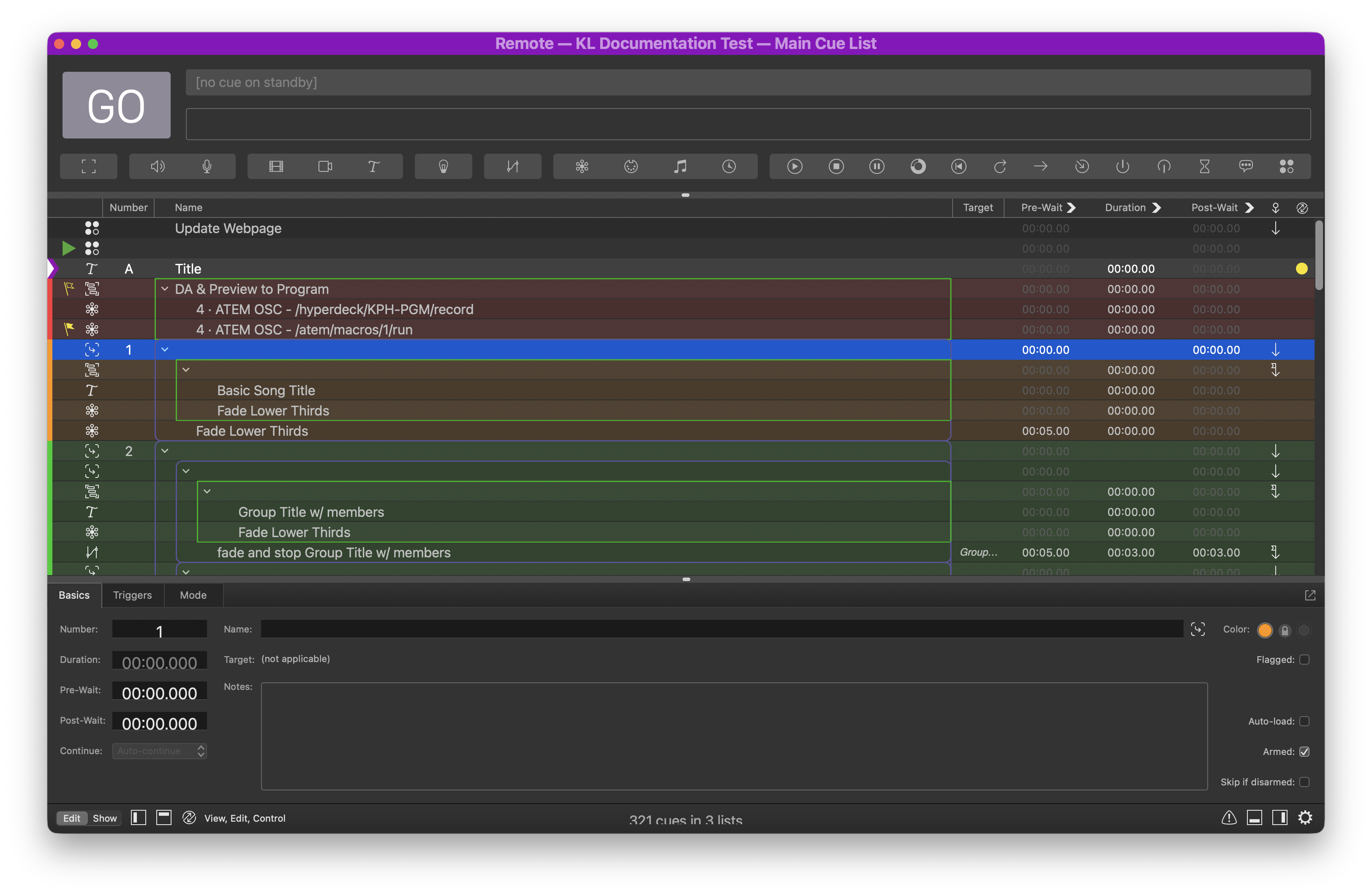
For instance, Cue 1 contains a total of 5 cues, including itself. This cue was created for organizational purposes, since it doesn’t affect the playback behavior. (That is, playback will behave the same as if one plays the first cue inside the group.) It is indicated by a purple border around the cues that it contains. I use group cues to indicate the scope of a group of lower thirds.
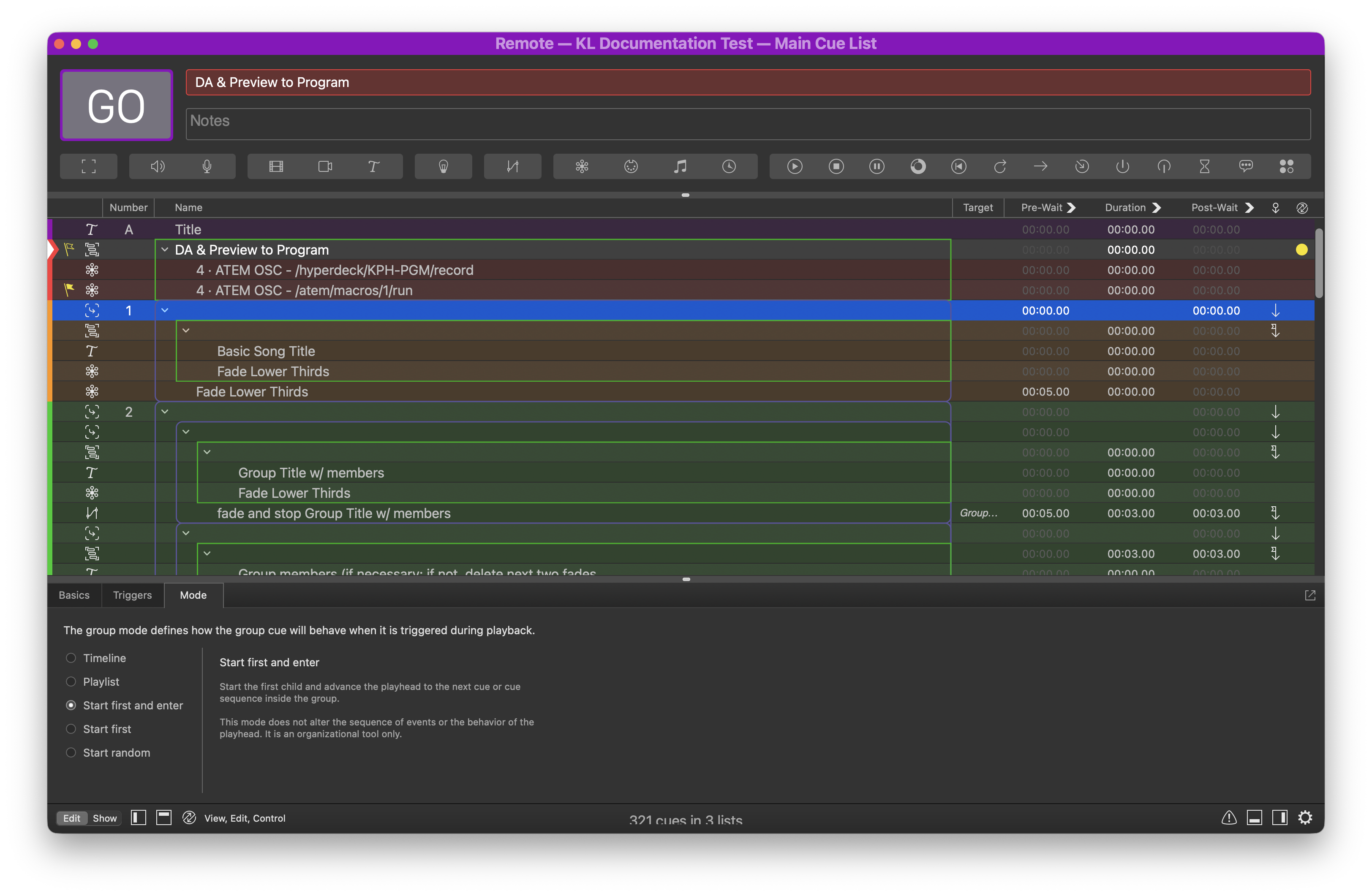
The next cue after Cue 1 is also a group cue. This time, it is in Timeline mode; all children of this cue will begin playback simultaneously. Note that one can achieve the same result by setting everything to Auto Continue. Doing it this way with a group cue gives me a clear indication of the scope of all cues being played back.